


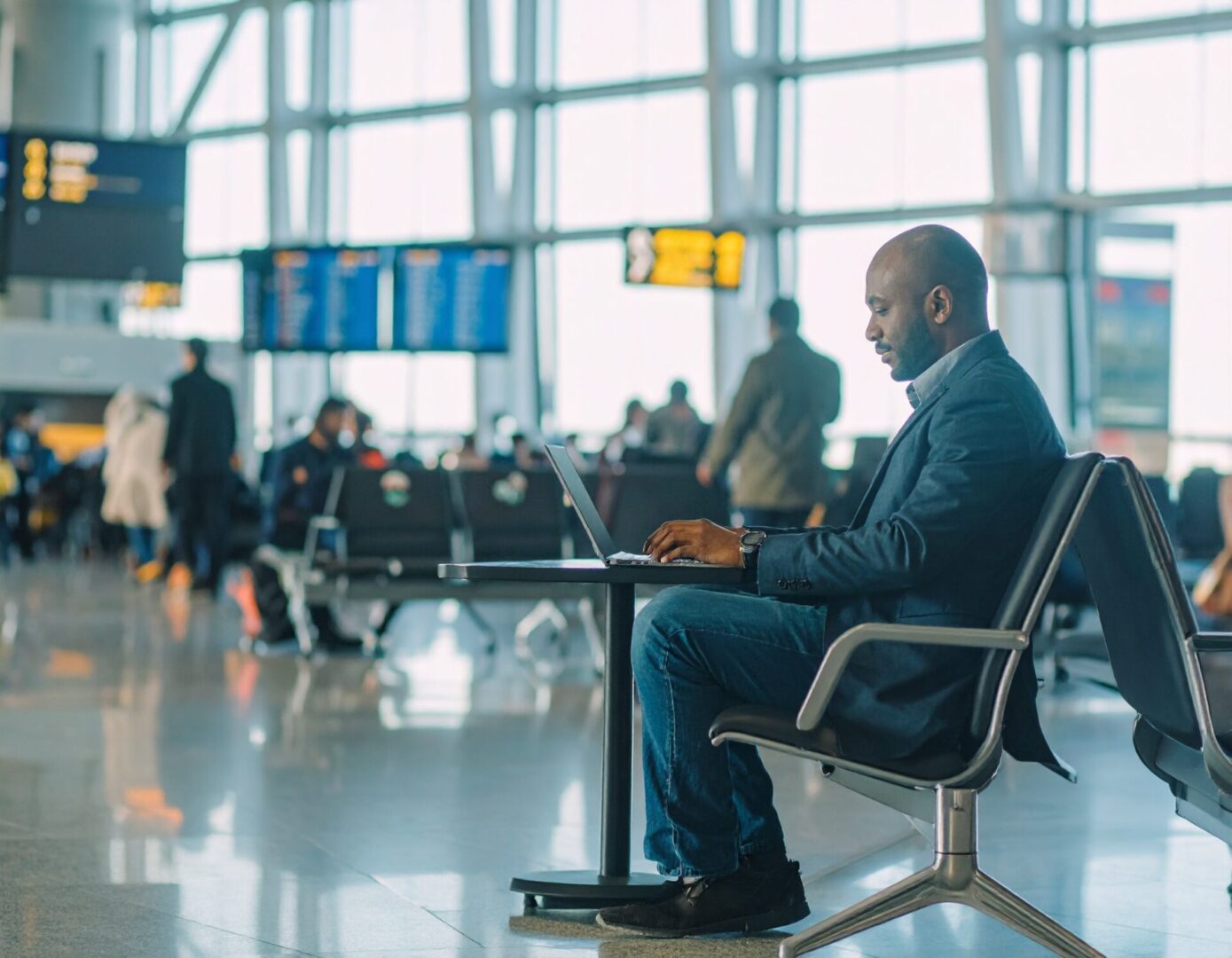
You might be used to connecting to airport Wi-Fi without a second thought. It’s convenient and often free, which is handy for staying productive on the move. However, these networks come with extra cybersecurity risks you should protect yourself against.
With minimal barriers in place, hackers can target them to snoop and steal your data. Thankfully, there are ways to guard your information while still getting online when you need to.
Use a Reliable VPN
A virtual private network (VPN) is one of the best tools for shielding your information in transport hubs. It creates an encrypted connection between your device and a secure server to turn a public connection private. Even if someone intercepts your Wi-Fi traffic, the encryption ensures they only see scrambled, unreadable data.
Many providers offer free trial VPN, so you can test out their service before committing.
Avoid Sensitive Activities
Airport Wi-Fi isn’t as secure as your home connection, so avoid certain transactions if you decide not to use a VPN. For example, consider waiting to check your bank balance or make purchases. Unsecured, public networks can be a breeding ground for snoopers who will steal data when they get the chance. If you know you’ll need to do something important soon, handle it before travelling.
Turn Off Auto-Connect
Network auto-connect is designed for convenience, but it opens the door for security risks. Automatically joining an unsecured network could mean using a fake one set up by hackers. They often appear legitimate with names such as ‘Free Airport Wi-Fi’. Disabling this feature before you travel will make sure you keep control over which networks you log on to.
Update Your Device and Apps Beforehand
Software updates might seem frustrating given how often they’re released and the time they can take to install. But many include security patches designed to protect you from the latest threats. Running older versions of apps or operating systems can leave your devices vulnerable to cyberattacks. To stay secure, make sure to complete updates before heading out for your flight.
Enable Two-Factor Authentication for Important Accounts
Even with all these precautions, there’s still a chance someone might find their way into one of your accounts. To be safe, enable two-factor authentication (2FA) for banking and other personal accounts. 2FA provides an extra layer of defence by requiring a second login method, such as a code sent by text or email. The added security is well worth the effort ‒ even if it means spending a few extra seconds during login.